
Live Casino
Troubleshooting Buffering Issues in Live Dealer Games
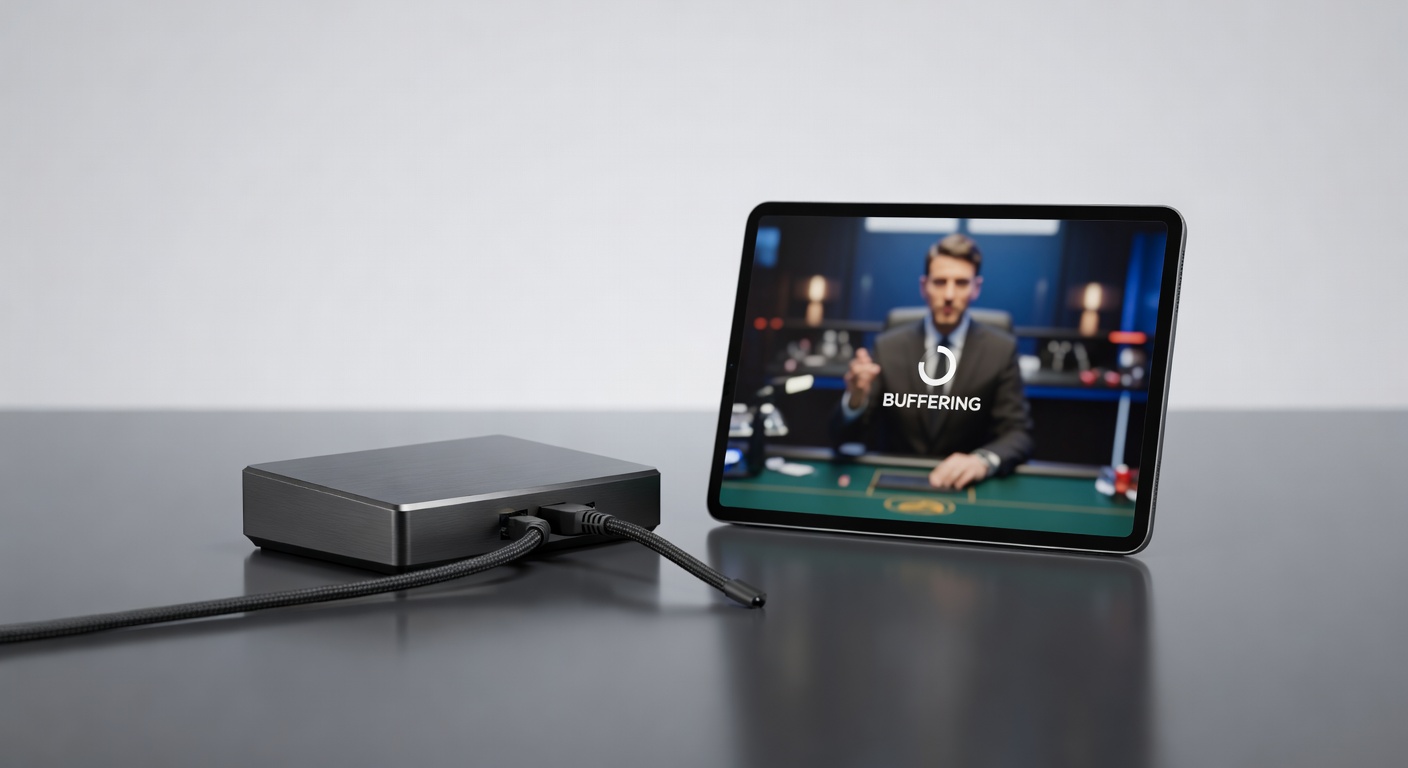
The stream freezes. You lose connection right as the dealer opens the card. The buffering breaks the game. You're sitting in purgatory, watching a wheel spin that you can't see. The solution is not always what you think.
By Alex Chen4 min read
The Gospel of Matthew had it right: blessed is the patient. When a live casino stream buffers, patience is the only weapon.
You sit there, waiting. The live dealer is still dealing. Your screen is a frozen frame. Somewhere, the wheel is spinning, but you can't see it. Somewhere, your bet is live, but you can't control it anymore.
Then the stream resumes. You've missed thirty seconds. The dealer's hand has moved. The result has happened without you.
Why Live Streams Buffer
Live dealer streams require constant data transfer. A video stream at HD quality is 5 megabits per second. Betting data, chat, graphics: another megabit. Total bandwidth requirement: roughly 6 megabits per second per stream.
If your internet connection is slower than 6 megabits per second, you will buffer. If your connection is 10 megabits per second but drops temporarily to 4 megabits (because your roommate started a download), you will buffer. If the casino's servers are overloaded (too many simultaneous streams), you will buffer.
The casino can't control your internet. The casino can control their servers. If buffering is widespread (many players reporting it simultaneously), the casino's servers are the problem. If buffering is individual (you buffer but your neighbor doesn't), your connection is the problem.
The Quick Fixes
First: close other applications using internet. Netflix, downloads, video calls: shut them down. Any background process using bandwidth will degrade the stream.
Second: move closer to your router. Physical distance reduces signal strength. Move within ten feet of the router if you're on WiFi.
Third: switch to ethernet. WiFi is convenient but unreliable. An ethernet cable from your computer to your router will stabilize the connection. If the buffering stops when you switch to ethernet, your WiFi is the problem.
Fourth: refresh the stream. Close the live game and reload it. This clears any connection state issues.
When It's Not Your Connection
If you've done all of the above and still buffer, and other players report buffering too, the problem is the casino's servers.
Casinos sometimes experience DDoS attacks (hackers flooding the servers with fake traffic to disable them). A casino under DDoS will show buffering across the board.
More commonly, a casino is running too many streams on insufficient hardware. This happens during high-traffic periods (weekend nights in Europe, holiday periods).
If the casino's servers are overloaded, there's nothing you can do except wait for the casino to upgrade infrastructure.
The Prevention Strategy
Don't play live games if you're on a mobile connection unless you're on 5G or stable 4G. Mobile networks are unstable. Buffering during a live hand is worse than buffering during a slot.
Don't play if you know your ISP has bandwidth limitations. Some providers throttle speeds after a certain data usage. If you're near your limit, you will experience buffering.
Don't play during peak hours if you're in a location with older infrastructure. Peak hours (evenings and weekends) stress the entire internet infrastructure. If you're in a developing region with limited backbone capacity, stream reliability suffers.
What Buffering Actually Costs
If you're buffering during a live hand, you've already lost the opportunity to react. A buffering event that lasts five seconds during a crucial moment can cost you the hand.
This is why professional live-game players use dedicated connections. They pay for faster broadband. They use ethernet cables. They avoid buffering because buffering loses money.
A casual player buffering for ten seconds during a roulette spin loses nothing (the result is determined before the freeze). A casual player buffering during a live blackjack decision might miss the window to hit or stand and the game might make a default decision for them.
The Long-Term Solution
Upgrade your internet connection if you play frequently. Gigabit internet (1000 megabits per second) costs more than standard broadband (100 megabits per second), but the stability is worth it.
Use a wired connection. WiFi is fine for casual play. Ethernet is better for money.
Play during off-peak hours. If you play at 3 a.m. instead of 9 p.m., the entire infrastructure (your ISP, the casino's servers) is less stressed. The same hand at 3 a.m. will stream more reliably than at 9 p.m.
If the buffering is endemic, switch casinos. Evolution has better server infrastructure than smaller providers. If one casino buffers constantly and another doesn't, vote with your action.